
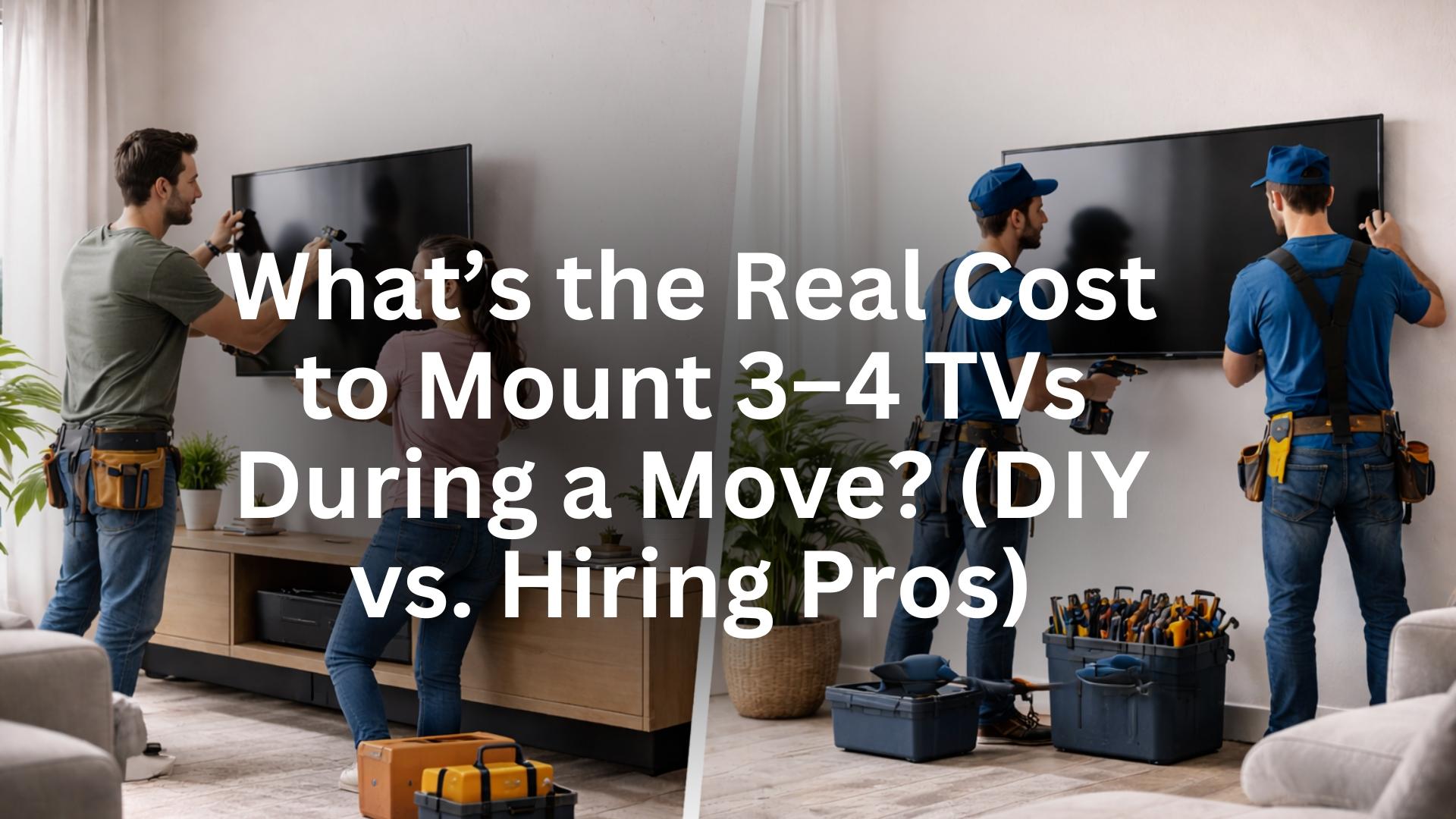
Moving is when “I’ll do it later” becomes “I need this done yesterday.” If you’ve got three or four TVs headed to new walls, the install bill can swing from “reasonable” to “how is wall hardware more than my sofa?” Let’s walk through the numbers—no fluff—so you can decide if you should hire out or go DIY with HangSmart®.
Quick answer
-
Hiring pros for 3–4 TVs: typically $750–$2,000+ all-in, depending on size, surfaces, wire-hiding, and add-ons.
-
DIY with HangSmart: typically $180–$600 in mounts + a few incidentals, with most jobs taking 10–20 minutes per TV (no studs, no drilling).
-
Middle path: DIY the easy rooms; hire a pro for the one weird wall (brick over fireplace, stone, etc.).
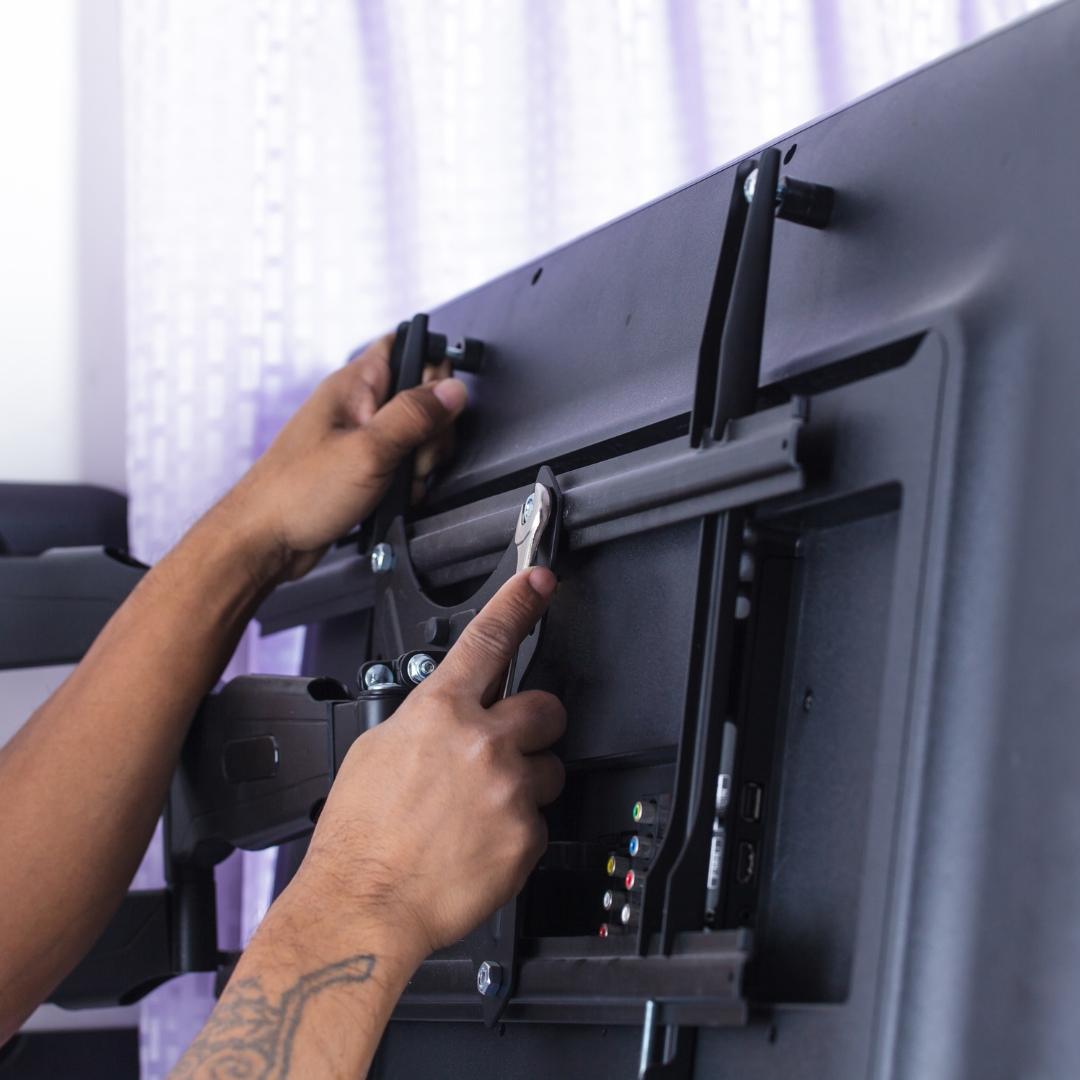
What are installers actually charging for?
Q: Why does one quote come in at $200 and the other at $600—for the same TV?
A: You’re not paying for just “a bracket on a wall.” Quotes usually include:
-
Labor tier (by size):
-
32–55″: lower tier
-
65–75″: mid tier
-
77–100″: premium tier (heavy, awkward glass)
-
-
Wall type surcharge:
-
Drywall over wood studs: baseline
-
Metal studs, plaster & lath, tile, brick, or concrete: add $50–$200 per set
-
-
Wire concealment:
-
Surface raceway: $40–$120 per location
-
In-wall power/HDMI chase: $150–$300+ per location (plus electrician if a new outlet is required)
-
-
Hardware/parts:
-
Brackets, spacers, oddball bolts, misc. fasteners
-
-
Trip minimums:
-
Many companies have a “first TV” minimum and a lower fee for each additional set
-
Typical pro ranges (per TV):
-
Basic wall mount, no wire work: $150–$300
-
Add surface raceway: +$50–$120
-
Add in-wall power/HDMI: +$150–$300+
-
Masonry/stone/over-fireplace: +$100–$250
So for 3–4 TVs, expect something like:
-
Baseline drywall, no wire work: $450–$1,000
-
With wire concealment on 2–3 TVs: $750–$1,600
-
Mixed surfaces + in-wall power: $1,200–$2,000+

The DIY math with HangSmart
Q: What do I actually spend if I do it myself?
A: Most customers need: HangSmart TV Mount(s), optional Soundbar Mount, and Wire Concealer Pro (surface route) or an in-wall kit if you want power inside the wall.
Typical DIY setup for a 3-TV move:
-
3× HangSmart TV Mounts (fixed, no-stud; up to 150 lbs): ~$59 each (plus any discounts) = $177
-
2× Soundbar Mounts (if you run bars on main TVs): ~$39 each (plus any discounts) = $78
-
2× Wire Concealer kits: ~$20 each = $40
-
Incidentals (tape, level is built-in, microfiber, patch/paint for old holes): $10–$30
DIY Total (3 TVs): about $305-$315 depending on options.
Add a fourth TV and you’re still usually under $700, which is where many pro quotes start—before wire work.
Time: Most people spend 10–20 minutes per TV with HangSmart once they’ve done their first one.

“But my TVs are big.” Does size change the math?
Q: I’ve got a 75″ in the living room and a 65″ in the bedroom. Is DIY still sensible?
A: Yes. The HangSmart system is designed for up to 100″ and 150 lbs. Bigger glass is more awkward to lift—so use a second set of hands—but the install steps don’t get harder.
Q: Will studs matter?
A: HangSmart is no-stud by design, but if a stud is perfectly placed, you can hybrid into it. If you’re dealing with brick or concrete, use the included bolt kit.
Do I need in-wall power for a clean look?
Q: I hate visible wires. Is in-wall power the only way?
A: No. Our Wire Concealer gives you a clean, code-safe surface route (with a surge-protected box) in minutes—no electrician, no cutting into the wall. You’ll get 90–95% of the “in-wall look” without the complexity or cost.
Cost comparison (per TV):
-
Surface route: ~$20 + 10 minutes
-
In-wall: $150–$300+ in labor (pro), or a longer DIY with local code considerations
The 3–4 TV move: sample scenarios
Scenario A: The Practical Home
-
65″ living room, 55″ family room, 43″ bedroom
-
Drywall walls, no wire work in bedrooms, surface raceway in living room
Pro cost: $850–$1,200
DIY with HangSmart: $177
Time saved: You control scheduling; finish same afternoon.
Scenario B: The “Show Wall” + Two Easy Rooms
-
75″ living room above a brick fireplace, two 55″ in bedrooms
-
Masonry over fireplace needs anchors; bedrooms are plain drywall; one soundbar
Pro cost: $1,200–$1,800 (masonry + wire work on the show wall)
Hybrid: Hire the fireplace wall only (~$300–$500). DIY the two bedrooms with HangSmart ($120).
Total: $120 vs $1,200+ all-pro.
Scenario C: Four TVs, Quick Setup Before Internet Install
-
65″ + 55″ + 50″ + 43″
-
You want everything up before the tech arrives; no wire work beyond surface raceway on two TVs
Pro cost: $900–$1,400
DIY with HangSmart: $236
Outcome: Same-day setup, no waiting for a 4-hour window.
Hidden costs people forget
-
Return visits: If a pro can’t finish (wrong bolts, missed stud, reschedule), you eat time or a second appointment fee.
-
Old holes: If you’re moving from a previous mount, you’ll need patch/paint anyway—DIY or pro.
-
Upgrades you didn’t plan: Tilt/swivel brackets for a corner can double the line item. A fixed, sleek profile (HangSmart) is often the cleaner, cheaper answer.
Safety & peace of mind
Q: Is a no-stud system really safe for kids and day-to-day use?
A: Yes—when designed to lock. HangSmart uses angled fasteners that seat and hold under load, plus a hook-and-hang interface that resists upward dislodging. Normal cable swaps don’t loosen anything. If you want belt-and-suspenders in quake zones, add a short safety tether.
When hiring a pro makes sense
-
Stone veneer or rough fieldstone you don’t want to drill
-
Over-mantel heat that needs a specialist or a mantel deflector
-
Commercial installs where the building wants stamped paperwork
-
You physically can’t lift a 77–85″ safely and don’t have a helper
If only one wall is tricky, hybrid: hire that single spot, DIY the rest.
What about soundbars?
Q: Should I mount the soundbar too?
A: If dialog clarity matters (open rooms, high ceilings), mounting the bar directly under the TV with our Soundbar Mount keeps the center channel aligned to the screen. It also gets the bar off the credenza—cleaner look, fewer fingerprints.
Cost: $39 each, minutes to install. Compare that to a pro’s “soundbar line item” ($50–$120 per room).
A simple calculator you can use
-
Count TVs and wall types (drywall, masonry, over-fireplace).
-
Decide wire plan for each: surface raceway or in-wall.
-
Plug into this rule of thumb:
-
Pro baseline: $200 per TV on drywall + add $100 for masonry + add $150 per in-wall power run.
-
DIY (HangSmart): $59 per TV + $0 labor.
-
That rough math gets you within shouting distance of real quotes in most markets.
Bottom line
-
For 3–4 TVs, the DIY route with HangSmart usually lands at one-third (or even lower) of a full pro bill, with same-day speed and a cleaner, fixed profile.
-
Hire a pro only where it genuinely helps (fireplace stone, specialty surfaces, heavy glass with no helper).
-
If you’re chasing the “no wires” look, surface raceway gets you there quickly without the cost and code questions of in-wall runs.
FAQs About Hard-Wall Mounting
Want to see our full list of FAQ's? Check it out here:
Pro Tips for Renters
-
Always save your color guide. It makes reinstalling in your next place easier.
-
Keep the included spacers handy. They help if you need extra clearance for plugs or cables.
-
If you’re mounting in plaster, drill a pilot hole before inserting the nails — it keeps everything neat.
Lab Testing & Certifications
HangSmart has been tested by multiple independent labs including UL, Intertek, and Product 360. UL certification alone required the mount to withstand 450 lbs of downward force without failure.
That’s the kind of confidence you want when you’re trusting your wall with an 85-inch OLED.
Why This Matters for Renters and Homeowners
-
Renters → Avoid stud drilling and oversized holes. Our nails leave pen-tip-sized marks that patch in seconds.
-
Homeowners → Place your TV wherever you want — not wherever your studs dictate.
This freedom means better aesthetics, centered TVs, and a floating modern look without the bulk of old-school steel racks.
How-To Resources
-
Watch our Live Pressure Test Demo
-
See the HangSmart Installation Video
-
Explore customer reviews: HangSmart Reviews
Who wouldn't want the easiest way to install their TV while saving money from having to hire a handyman?!?
Shop HangSmart Today!
Check Out How It Works!
Thank you for being a fan!
At first I was very skeptical, because I have a rock wall that I had put up about two years ago so the screws that came with the kit were not going to work, so took a trip to my local Ace hardware and got the same ones but 3” long because I needed them to go through the rock wall and a layer of cement board and the drywall that was already there, so that’s why I needed the screws to be 3” long anyway the ruler and the leveler that came with it was a big help in the long run had asked a coworker to help me out and in 40 minutes we got it done over all very satisfied with the end result, glad I came across this ad on my Facebook feed highly recommended to anyone even a beginner my TV is an 85” Sony, thanks again.👌 And I also got the sound bar mounts to and yes that work great 👍
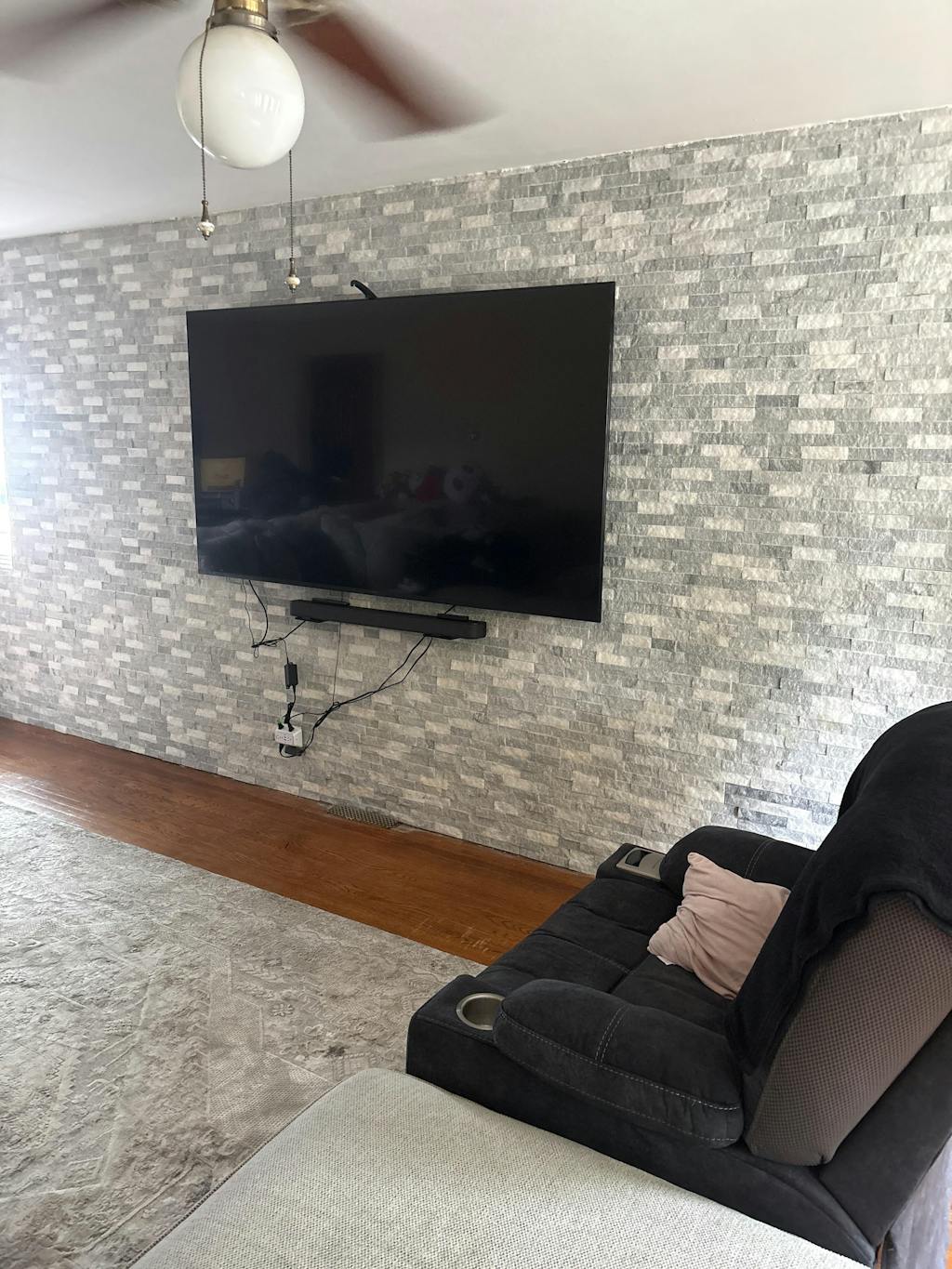
I have now hung 5 tvs with hang smart by myself (with the exception of actually getting my 70" up on my wall) I've hung 40" to 70" tvs now...these are the best out there! I will never go to the giant square bracket to hang a TV again! I recommend hang smart to everyone !
This was so easy to install...I was shocked and it looks phenomenal...as a person of limited skillsets in hang tvs...it was completed in less than 20 minutes literally....
This was so easy to hang. I have over a two dozen tvs hanging in my homes and offices. I figured I would try this out. The cost is similar to an Amazon mount but you will save in time and labor. The quality of the packaging and tools are very poor. I expect to see this improve as they grow.
It took 10 minutes to prep and measure and 10 minutes to hang the tv properly. Now you won’t be able to move or tilt so that’s important.
This is great for airBnb properties that already have power up by the area where the tv is going. Will take no longer than 20 min tops. Ordering two more sets now.
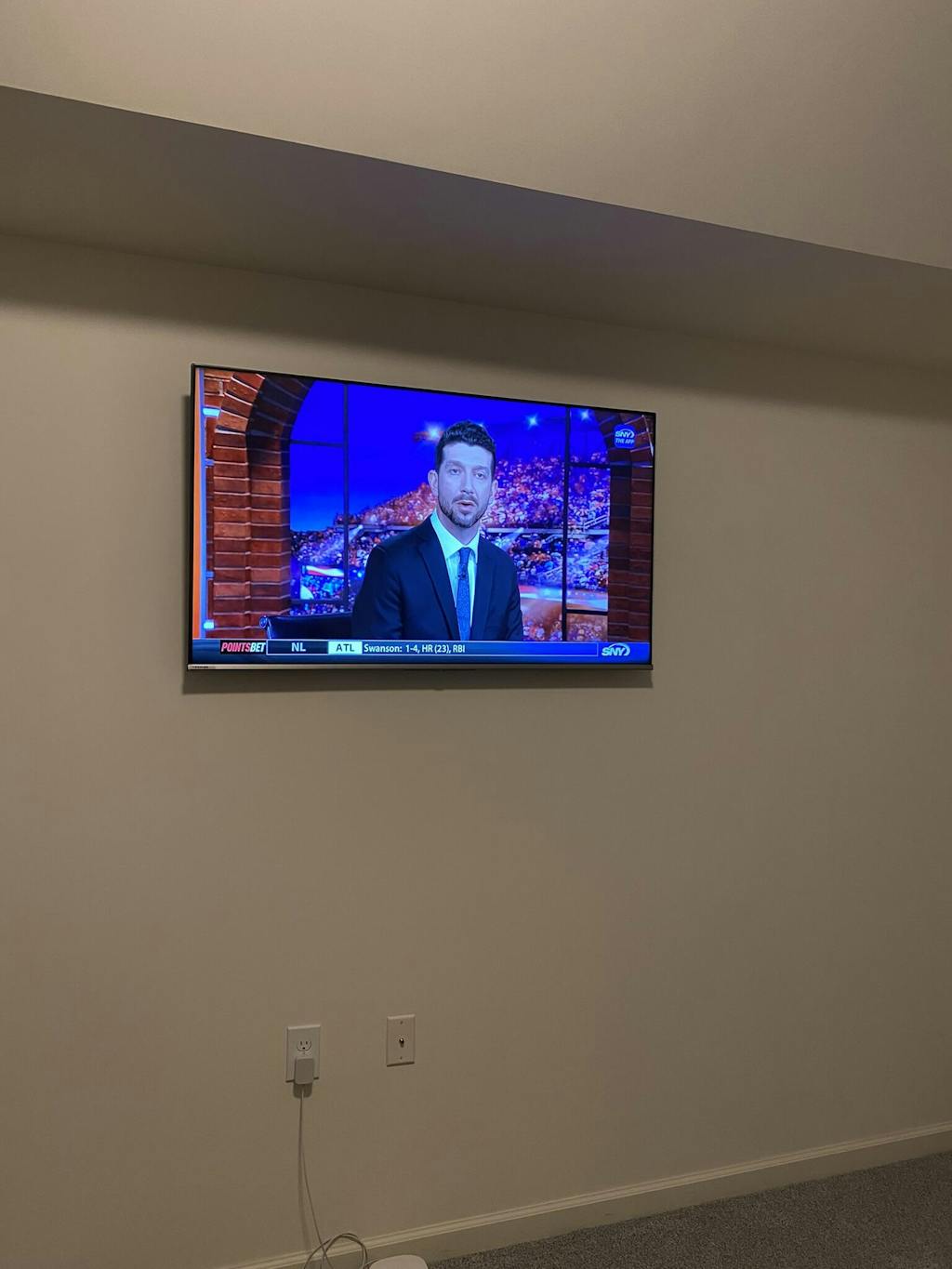
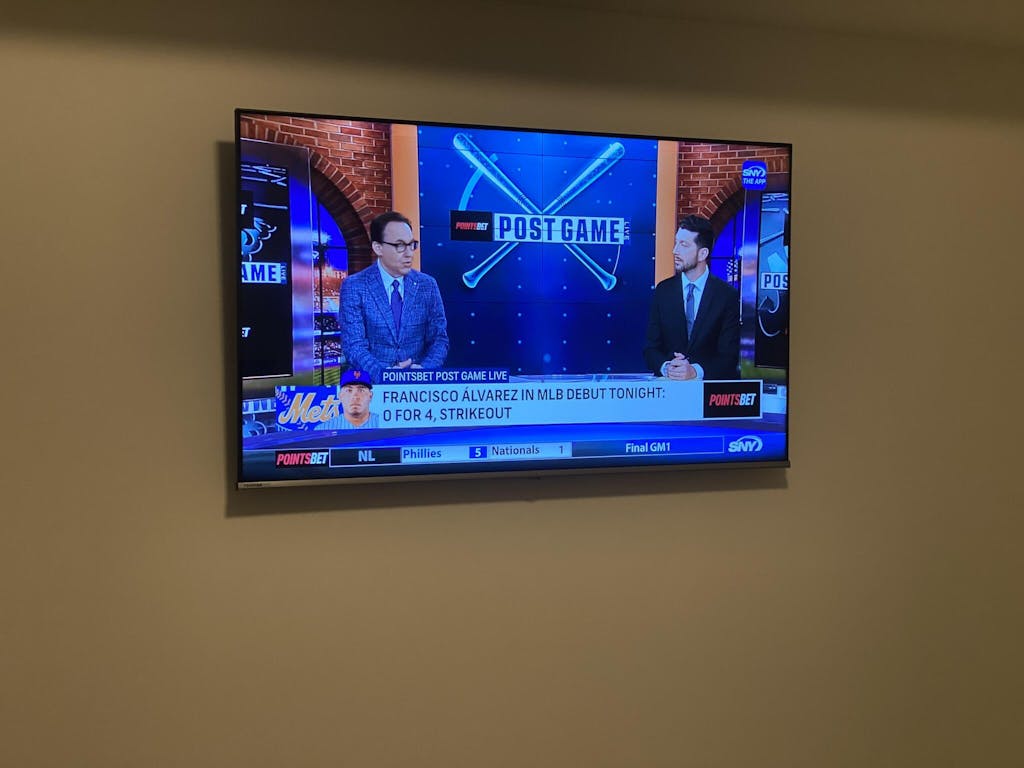
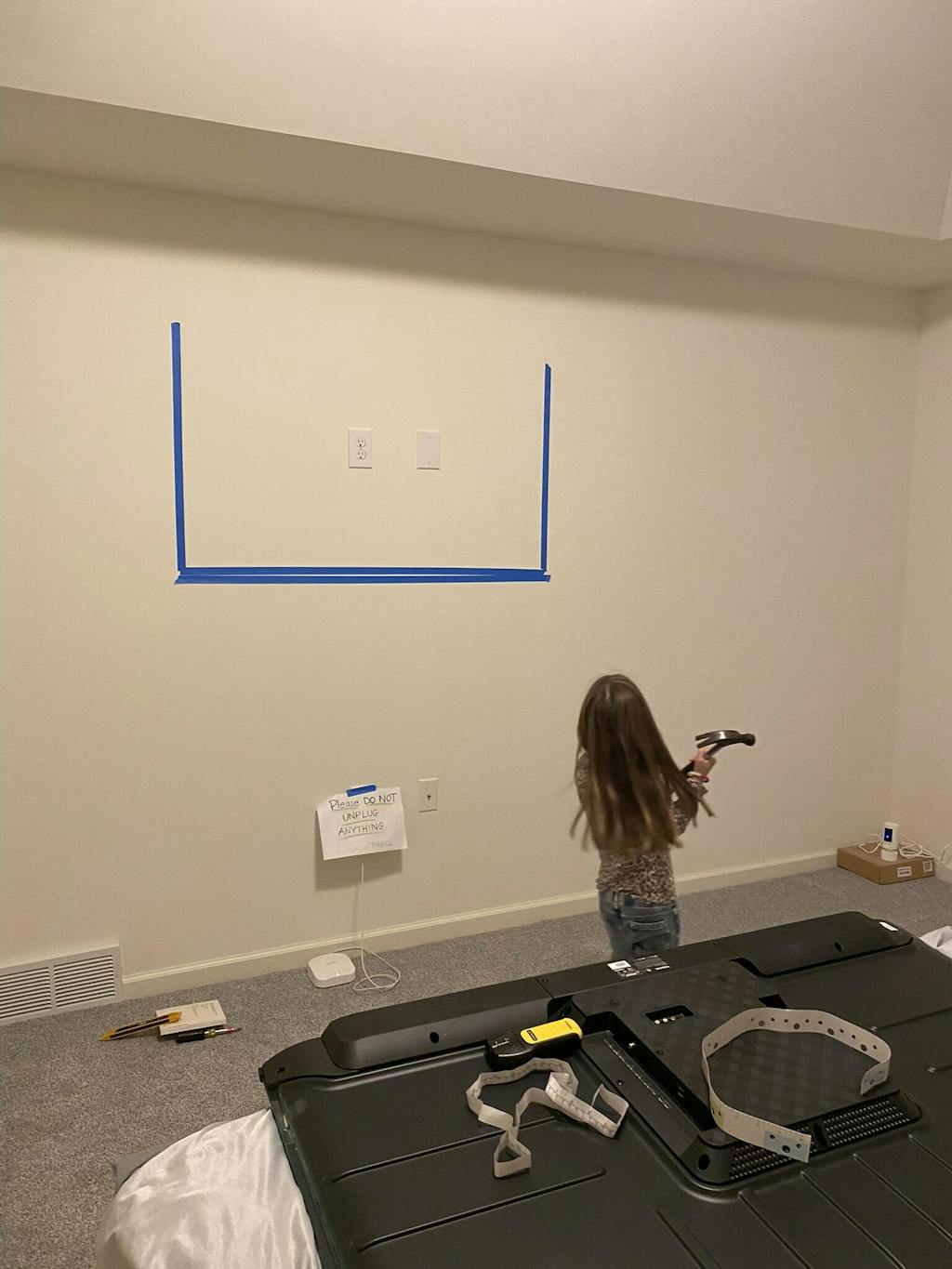
Thank you so much for this awesome review! And we LOVE the videos and photos. With regard to the boxes, we’ve since updated them, and have improved the color guide making it even easier to just set onto the wall with a few thumbtacks. We are always continuing to make the packaging stronger and more improved with every order we place. But we couldn’t be more thrilled that you love it!
So, I posted these video to show the unboxing of the Hangsmart I receive. It's pretty clever. Every thing is included in the box. They also provide parts for you need to mount it to brick, concrete, or cement. I used it for my drywall.
The packaging is very nice and they explain you how to use very easily. I watched the video on their website. It comes with this color ruler, so you just match colors to install.
I will buy again in the future. Thanks Hangsmart for a great product.
Shop
Info
Questions
Follow Us